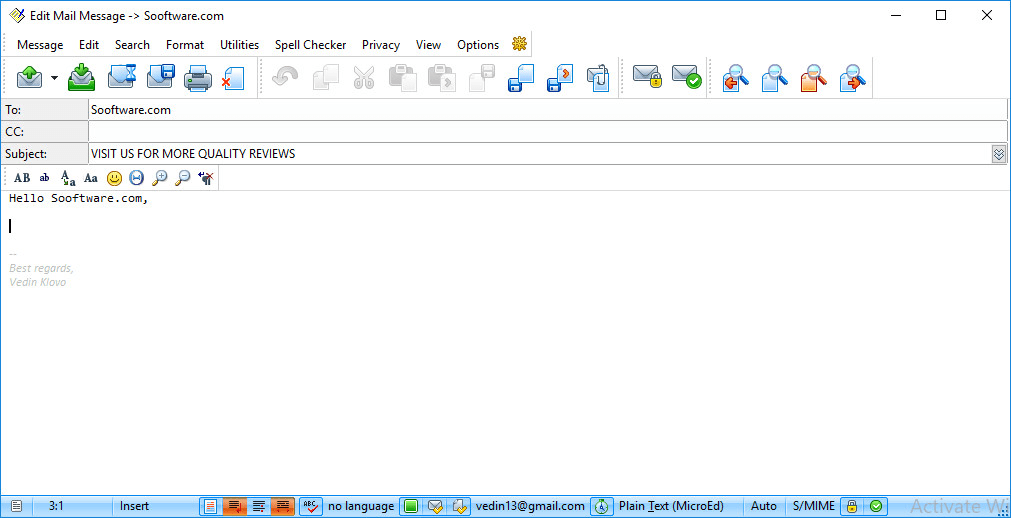
Managing multiple email accounts with plenty of incoming mail every day is a difficult job. It gets hard to track what you have answered or read, leaving people looking for a better email client. Let's see if "The Bat!" can provide the answer.
Handling large email volumes
The Bat! is a highly sophisticated Windows email client built for easier management of large email volumes. It can be used to manage multiple POP, IMAP, and MS Exchange accounts on a single computer. It includes plenty of useful features like filters, an email search engine, and advanced folder views.Smart sorting and strong encryption
Virtual folders in the tool collect mail from the mailboxes you select based on various criteria to group mail and newsletters. This can later be used to set up filters. It also supports OpenPGP and S/MIME message encryption. Users who purchase the Professional license can enable the on-the-fly encryption of local data in the settings.Built-in organization tools
Support for RSS feeds is included, so you can follow your favorite website updates right inside The Bat!. You can use the built-in notepad and a scheduler to remind yourself about reading or writing emails. There is also a fully loaded HTML editor for composing messages.A powerhouse for power users
Since there are many different options to explore in the program, it is incredibly useful for more demanding users who receive plenty of emails across several different addresses. However, not all settings are completely straightforward, and there is definitely a learning curve to use the program properly.